Maccabi Extends Tyto Hours on Election Day: Who Can Use It and What to Prepare
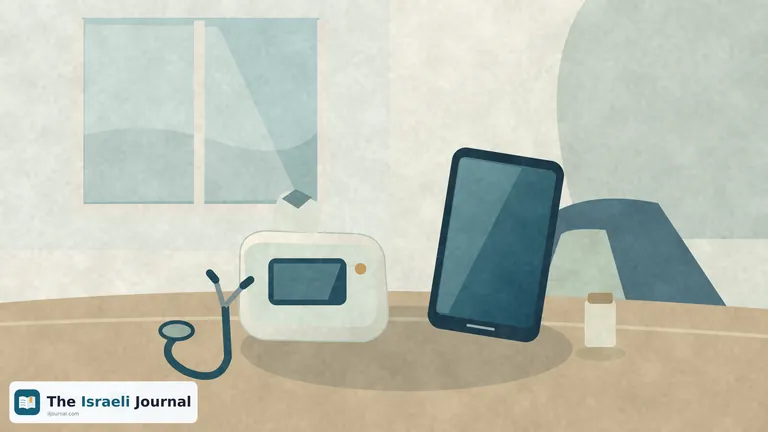
Maccabi has published special operating hours for its Tyto home examination service around 27 October 2026, Knesset election day. The service will run continuously from 19:00 on 26 October until 08:00 on 28 October. This is a temporary extension of service hours, not the launch of a new service or an announcement that all clinics are open.
According to the health fund's 11 October update, all Maccabi members with a Tyto device and a smartphone or tablet are eligible. Supplementary insurance is not required. This distinction matters: the online consultation is free, but it depends on equipment that must be available at home and connected to the service.
The change is in daytime availability
On regular Sundays through Thursdays, Maccabi operates Tyto from 19:00 until 08:00 the following morning. During the special window, the service will also continue throughout election day. For families already using it, this means access to an online examination at hours outside that normal schedule.
The extended window ends on the morning of 28 October. Its end does not mean Tyto is being discontinued, only that the special arrangement is ending. Save the exact hours, since the phrase election day service could suggest that it begins only that morning or ends at midnight.
Extended hours also do not guarantee a doctor will be available as soon as you open the app. Have the patient's details and relevant medical information ready, and remember that the service has an intake process before an examination. When urgent help is needed, having a device at home is not a reason to delay seeking another form of care.
The examination is free; the device costs money
Maccabi's Tyto eligibility page lists a price of NIS 179 per family unit for the device and included accessories, and NIS 87 for additional accessories. Device purchases are not reimbursed. These prices appear alongside existing service conditions; the health fund has not presented them as a new election day discount.
Before purchasing, check what you already have and what the kit includes. The device and consumable equipment are separate expenses, so there is no reason to add both automatically for every use. Equally, medical care without an additional fee does not mean joining the service has no cost at all.
For anyone needing help now, buying equipment is a separate decision from choosing a care route. Purchasing a device need not become a condition for obtaining initial advice from the health fund. Ask its service center which option suits your case, then consider whether home examinations with dedicated equipment would suit your family over time.
Not every account login lets you operate Tyto
Maccabi instructs users to complete initial registration in the app and connect the device to the TytoCare application. During an online visit, the device provides the doctor with information from home examinations, such as of the ears and throat. Complete the initial setup when you have spare time, rather than when you are already waiting for help.
There is also an easily missed digital detail. On its account permissions page, Maccabi explains that authorization to perform actions in a relative's account does not grant access to every service. Tyto registration and transfer to the Tyto app are among the actions unavailable through that authorization route.
Anyone assisting an older parent or another relative should therefore not assume that being able to view their account also solves access to an examination. Check in advance which account should activate the service and what login details are needed. Clarifying this early can avoid dealing with passwords at the very moment you want to speak to a doctor.
A message to the doctor is a different service
The Maccabi app also lets users send requests to a doctor, but this is not the same as an online Tyto visit. The health fund designates its request service for nonurgent matters that do not require an examination, including prescription renewals, referrals, medical questions or a summary of a medical condition.
According to Maccabi, family doctors, pediatricians and gynecologists are expected to respond through this route within five working days. Their response is discretionary: they may reply, request information, invite the patient to a clinic or suggest another course of action. Leaving a message does not create an immediate appointment or guarantee treatment at the time it is sent.
This is a particularly practical distinction on a day when family routines change. An administrative request, a nonurgent question and a medical examination are three different actions, even if all begin on the same screen. Choosing according to need, rather than the most familiar button, matters more than the number of options in the app.
Before a conversation, prepare a brief description of why you are seeking care, when the problem began and whether it has changed. Keep a medication list and relevant documents handy as well. The purpose is not to diagnose yourself but to give the team an organized picture so it can provide guidance suited to your request.
When not to wait for a remote connection
Maccabi's round‑the‑clock service center provides information, services and medical advice by telephone at 3555*. On the service center's page, the health fund explicitly distinguishes this service from an emergency center: in a life‑threatening situation, contact Magen David Adom at 101 or go to an emergency department as needed.
The Tyto extension does not change that distinction. An examination through a screen may be one stage of treatment, but the next step depends on the medical team's assessment. If you are told to attend an examination in person, neither buying the device nor having an online conversation replaces following that instruction.
Before the special window, make sure the device is available, access to the service works and the correct patient's details are at hand. Anyone without Tyto can save the health fund's service center number. This keeps the extended hours a useful addition to care options, rather than a reason to wait instead of obtaining help through the appropriate route.
Read also: Specialist Waiting Times and Options for Finding an Appointment